
Devices Compatible
with IPTV Zoro
Discover which screens and streaming hardware support IPTV Zoro. Our service works seamlessly with leading smart televisions, streaming sticks, mobile devices, and computers.
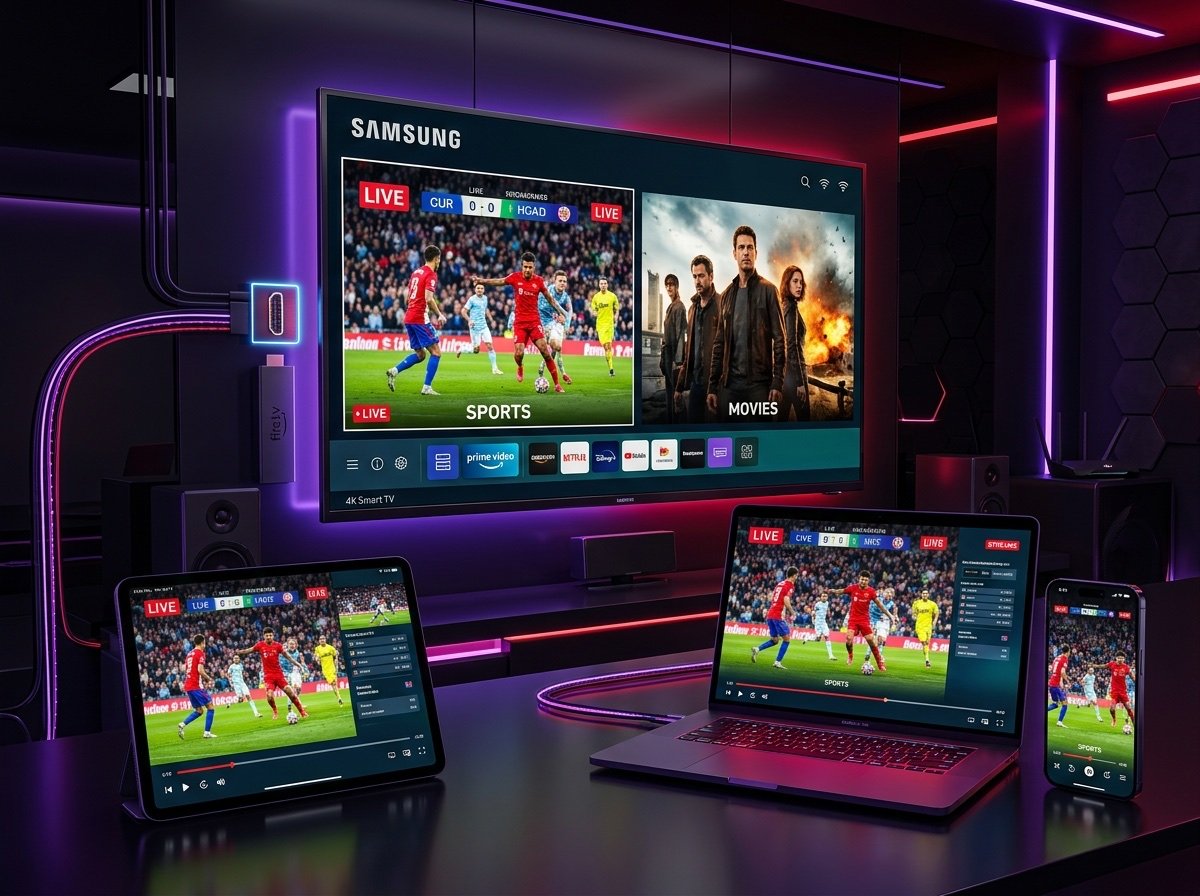
Watch on the Devices You Already Own
You do not need to buy expensive proprietary receiver boxes. IPTV Zoro delivers standard M3U Plus playlists and Xtream Codes API credentials compatible with the most widely used media player apps across all major platforms.
Smart TVs
Samsung (Tizen OS), LG (webOS), Sony Bravia, and Philips smart televisions.
Android TV & Boxes
Chromecast with Google TV, Nvidia Shield Pro, Xiaomi Mi Box, and Mecool.
Amazon Fire TV
Fire TV Stick (Lite, 4K, 4K Max), Fire TV Cube, and smart TVs with Fire OS.
Apple TV
Apple TV 4K (all generations) and Apple TV HD running tvOS.
iPhone & iPad
Apple mobile devices running iOS 14.0 or newer and iPadOS.
Windows & Mac
Windows 10/11 laptops and desktops, macOS devices, and web browsers.
Smart TV Compatibility
IPTV Zoro streams cleanly on major smart television ecosystems, including Samsung Smart TVs running Tizen OS and LG Smart TVs operating on webOS. In addition, televisions with built-in Android TV or Google TV (such as Sony Bravia, Philips, and TCL) provide native support.
Please note that media player application availability depends on several hardware and regional factors:
- TV Model & Manufacturing Year: Older models (pre-2018) may feature restricted app stores with fewer modern video decoders.
- Operating System Version: Newer firmware updates provide enhanced H.265/HEVC video playback stability for 4K streams.
- Regional App-Store Availability: Certain player apps like IBO Player, IPTV Smarters, or Nanomid may vary based on your TV's regional market settings.
Popular Smart TV Players
Android TV & Streaming Boxes
Android TV and Google TV represent some of the most versatile platforms for IPTV streaming. Devices such as the Nvidia Shield TV Pro, Chromecast with Google TV (4K), and modern Android streaming boxes provide full access to the official Google Play Store.
With powerful hardware decoding, Android TV devices handle 4K Ultra HD 60 FPS sports broadcasts smoothly. You can install leading applications like TiviMate or IPTV Smarters Pro directly from the app store without needing sideloading tools.
Read the complete Android TV setup walkthroughAndroid TV Key Advantages
- Google Play Integration Download approved media players straight from the official store with automated version updates.
- TiviMate Compatibility Enjoy a modern television-style Electronic Program Guide with custom favorites and multi-screen support.
- Gigabit Ethernet Options Boxes like the Nvidia Shield Pro allow direct wired LAN connection for buffer-mitigated 4K sports.
Amazon Fire TV
Amazon Fire TV sticks and media players are among the most popular IPTV devices in the UK and worldwide. Fire TV compatibility can vary by device model and player availability.
Fire OS allows straightforward setup using either applications from the Amazon Appstore or sideloading via the popular Downloader utility. IPTV Zoro feeds integrate effortlessly with apps like IPTV Smarters Pro and TiviMate.
Read the illustrated Amazon Fire TV setup guideFire TV Compatibility Highlights
Apple TV, iPhone & iPad
Apple hardware offers premium display quality and smooth user navigation. IPTV Zoro operates seamlessly on Apple TV 4K, Apple TV HD, iPhones running iOS 14.0+, and iPads.
Because iOS and tvOS operate within Apple's App Store ecosystem, you must download a compatible IPTV player directly from the App Store. Applications like Smarters Player Lite, IPTVX, and GSE Smart IPTV support our M3U Plus playlists and Xtream Codes API logins.
Read our step-by-step Apple TV & iOS setup guideRecommended Apple Players
Windows & Mac
If you prefer streaming on a desktop computer, laptop, or work monitor, IPTV Zoro is fully accessible on Windows 10, Windows 11, and macOS devices.
You can watch via dedicated desktop software like IPTV Smarters Pro for Windows/macOS, use lightweight media players like VLC, or access our responsive web player through Google Chrome, Microsoft Edge, Safari, or Mozilla Firefox.
Read our PC & Mac configuration guideDesktop Playback Methods
Choosing the Right IPTV App
IPTV Zoro provides the streaming infrastructure, live feeds, on-demand library, and authentication credentials. To watch the channels on your screen, you need a compatible player application that reads our stream formats.
IPTV Smarters Pro
The most widely recognized IPTV application in the world. It features a straightforward interface, separate sections for Live TV, Movies, and Series, and simple Xtream Codes API login.
Supported: Fire TV, Android TV, iOS, Windows, MacTiviMate
Widely considered the gold standard for dedicated television viewing. It provides a polished electronic program guide, fast channel switching, and custom channel grouping.
Supported: Fire TV, Android TV & BoxesIBO Player / IBO Pro
An excellent choice for Samsung and LG smart televisions where app store options are more selective. Quick to install and activates directly via MAC address.
Supported: Samsung Tizen, LG webOS, Android TVXCIPTV
A clean and modern media player with built-in ExoPlayer and VLC player components, making it resilient across budget Android streaming hardware.
Supported: Android TV, Fire TV, MobileHow Many Devices Can I Use?
To ensure smooth streaming without accidental stream interruptions, it is essential to understand the difference between device installations and active simultaneous connections.
Installed on Devices
You can configure your IPTV Zoro subscription credentials on as many devices as you own. For instance, you can enter your login details on your living room Smart TV, your bedroom Firestick, and your smartphone so that your playlist is ready wherever you go.
Simultaneously Active Connections
This refers strictly to the number of screens streaming video at the exact same moment. If your plan includes 1 connection, streaming on a second device concurrently may cause stream pausing or line termination.
Connection Limits by Plan Type
24-Hour Free Trial: Configured for 1 active screen to allow fair testing.
Paid Subscriptions: Standard plans include 1 connection, with options for 1 to 5 simultaneous screens selectable during checkout.
Test Your Device Before Subscribing
The best way to confirm that IPTV Zoro performs smoothly on your specific television, media box, and home internet connection is to try our 24-hour free trial. No credit card or billing details required.